FTC Robot Logs using Logcat
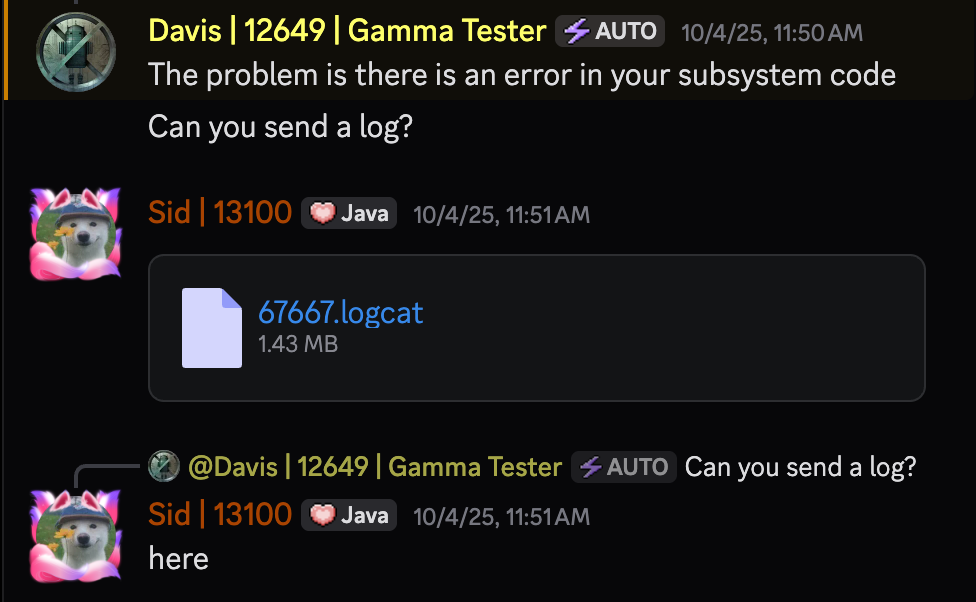
[Joe Schmoe | 6767]: Nothing works, its all Sloth’s fault! @Oscar
[Oscar | !sloth]: Send me a log!
[Oscar | !sloth]: !cb logcat
What is Logcat?
Logcat is a utility built into Android Studio, which can be used to view, analyze, import and export logs from the robot.
FTC software library developers or friendly people helping you to debug your code will often ask you to send a log in order to determine the issue that you might be facing, and this page contains the simple instructions to capture and send a relevant log for them.
Ingredients
- Device with Android Studio installed
- REV Driver Station to run programs
The Recipe
1. Connect your computer to the robot

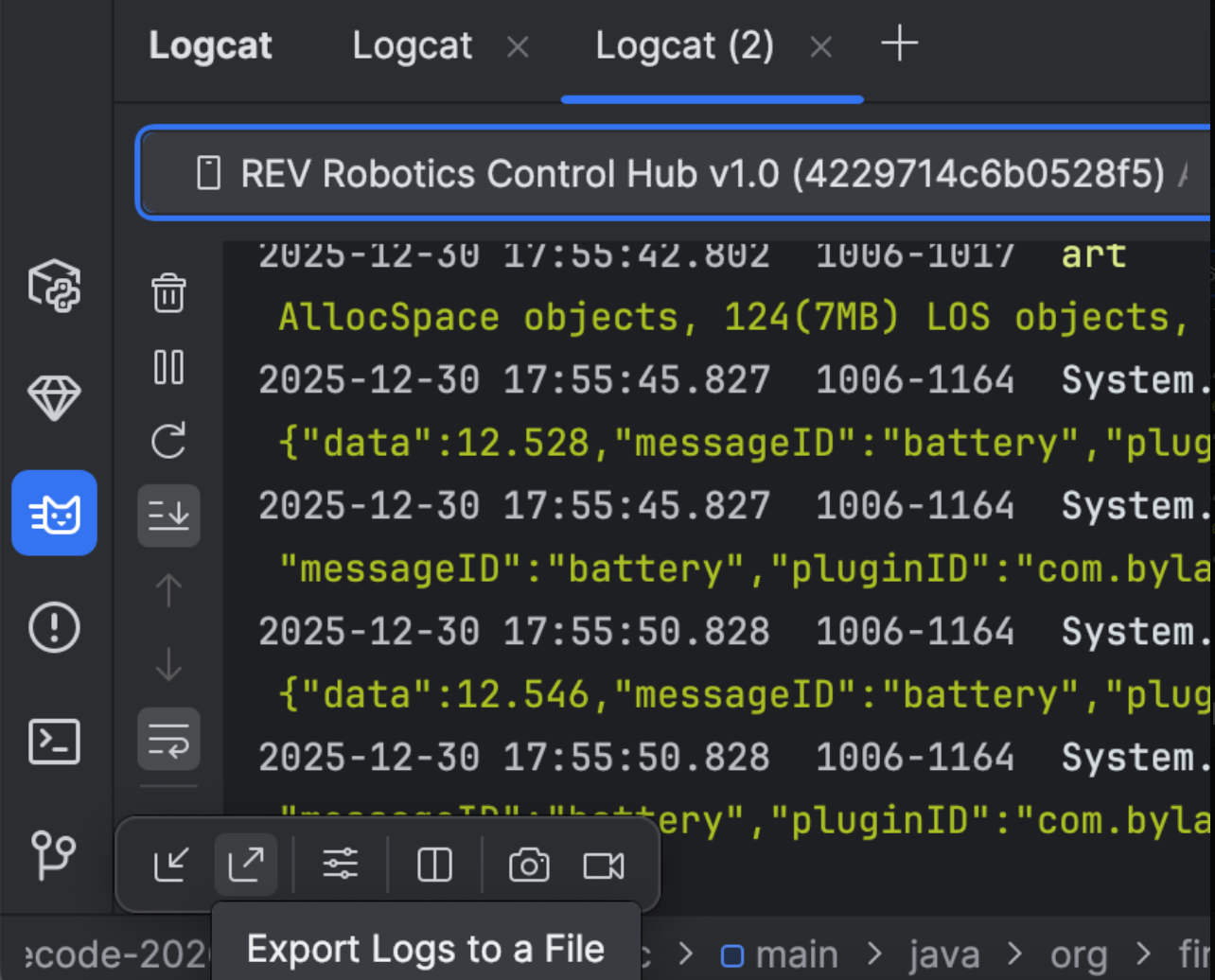
2. Click Logcat in the bottom left of Android Studio
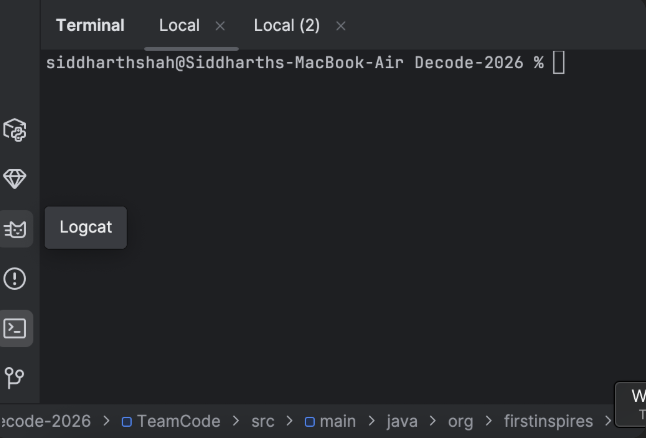
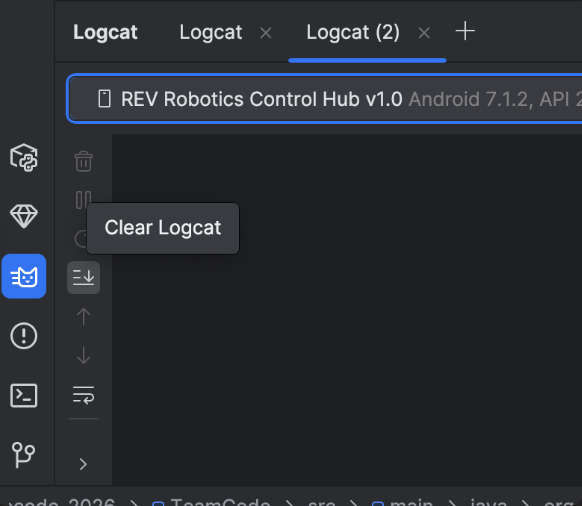
3. Click Delete
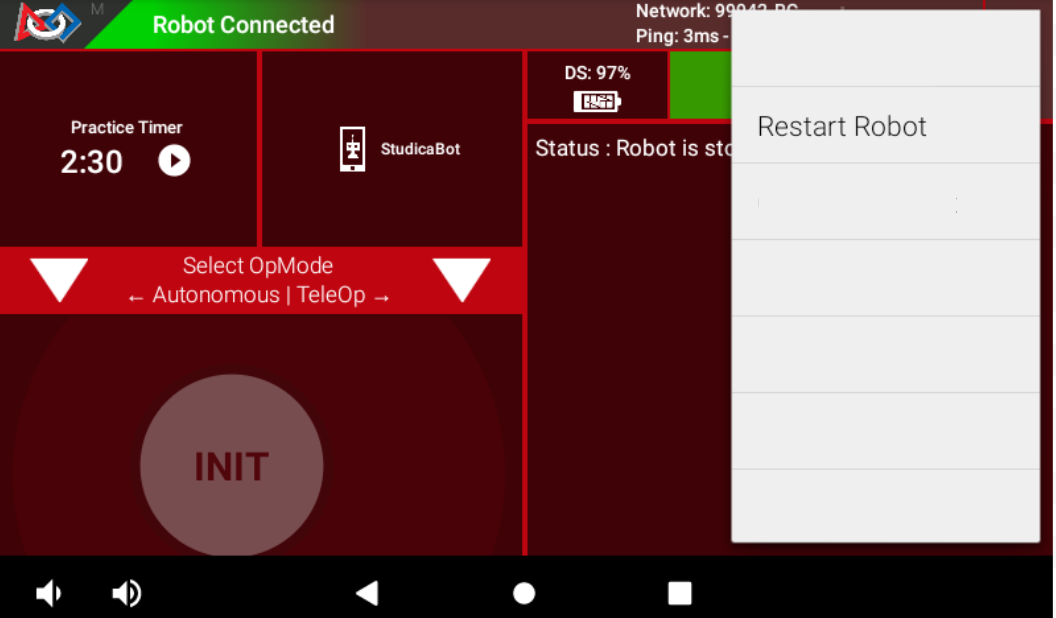
4. Restart the robot
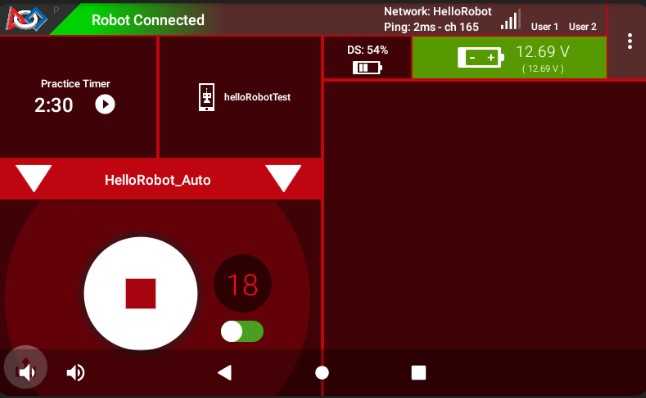
5. Reproduce the issue (Run the part that causes the issue)
6. Click Export and send the log
7. Send to helper so they can analyze the file
This article was last modified:
On 2026-01-21 16:37:42 -05:00
By Sid
See it here:982c4360e79ca3ed02200f503d85ab1e94500a0a